Product Development
Your idea, in your words.
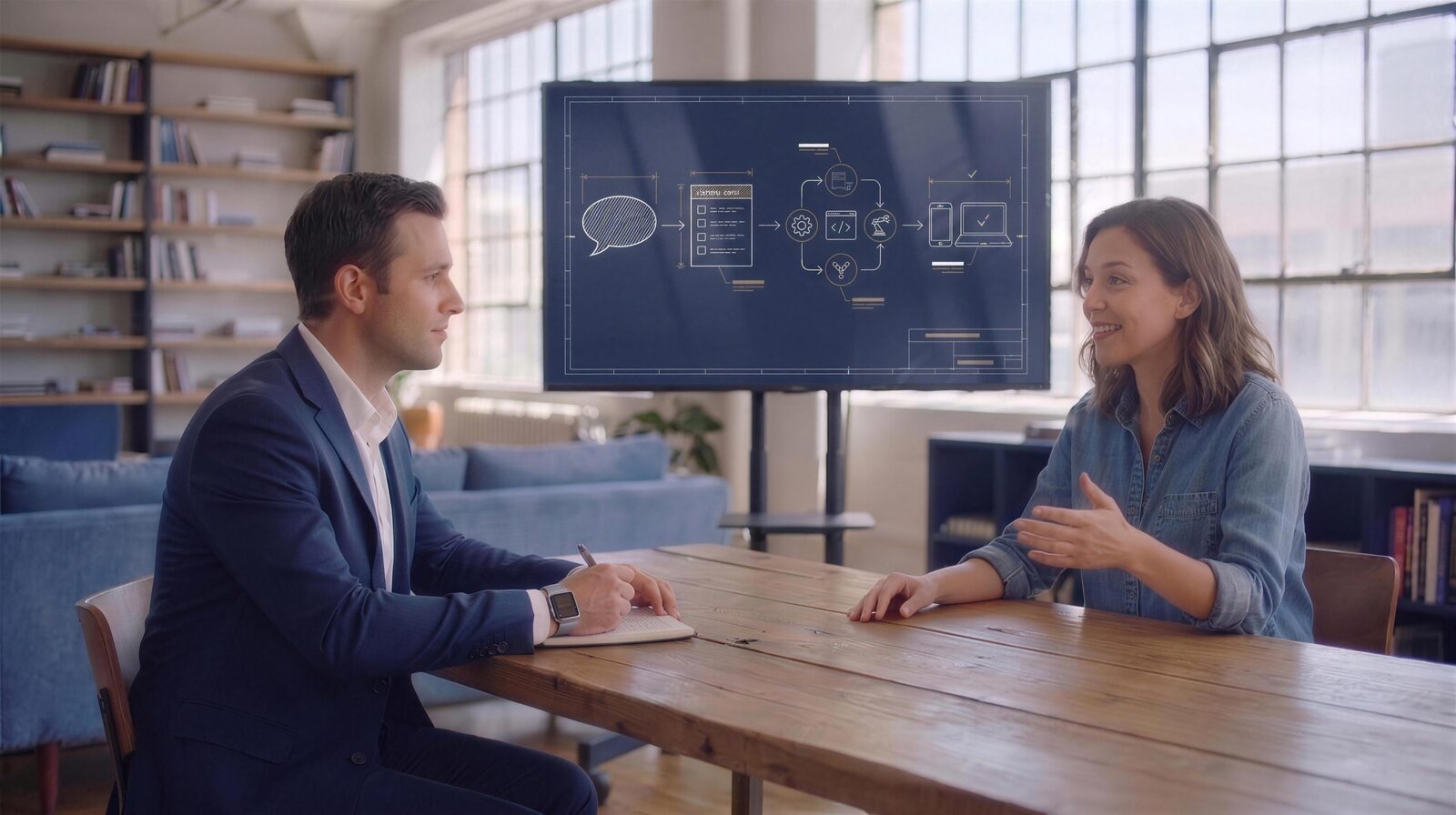
You talk the way you already talk — shorthand, jargon, napkin logic. We build the app you mean.
Layers 01–02 · Say it · Organize it
This is your whole job in the process.
Layer 1 is your jargon — the way you naturally say things. Layer 2 is the same thing, organized — mapped to the technical terms, on your behalf. And the agent learns you: the more you talk, the better it speaks you. You never have to translate yourself again.
Call · Email · Chat
Our process
● you're involved · ● agents at work
Layer 03 · The architect
Every technical decision, made for you — and checked.
Assess what we have → find what's missing → add it → prove the story end to end: her phone snaps, the photo travels to the server, lands in storage, its record reaches the database — and the desktop shows the same picture with a gold check. Possible. Proven. Next.
Layer 04 · The draft
A senior engineer drafts the skeleton.
Real code, in our own conventions — names expressive enough that you could read them. Whole rows at a time: it's AI, not fingers.
src/
├─ models/
│ ├─ mood_board.cr
│ └─ inspiration_photo.cr
├─ controllers/
│ └─ mood_boards_controller.cr
└─ processes/
└─ extract_palette.cr
spec/
└─ models/mood_board_spec.cr
Layer 05 · The build
Engineering agents fill it in — and run it until it works.
src/
├─ models/ ▣▣
├─ controllers/ ▣
├─ processes/ ▣
├─ views/mood_boards/ ▣▣
db/
└─ migrations/
└─ …_create_mood_boards.cr
spec/ ▣▣▣
the tree fills. the app runs.
The way up · Automated tests
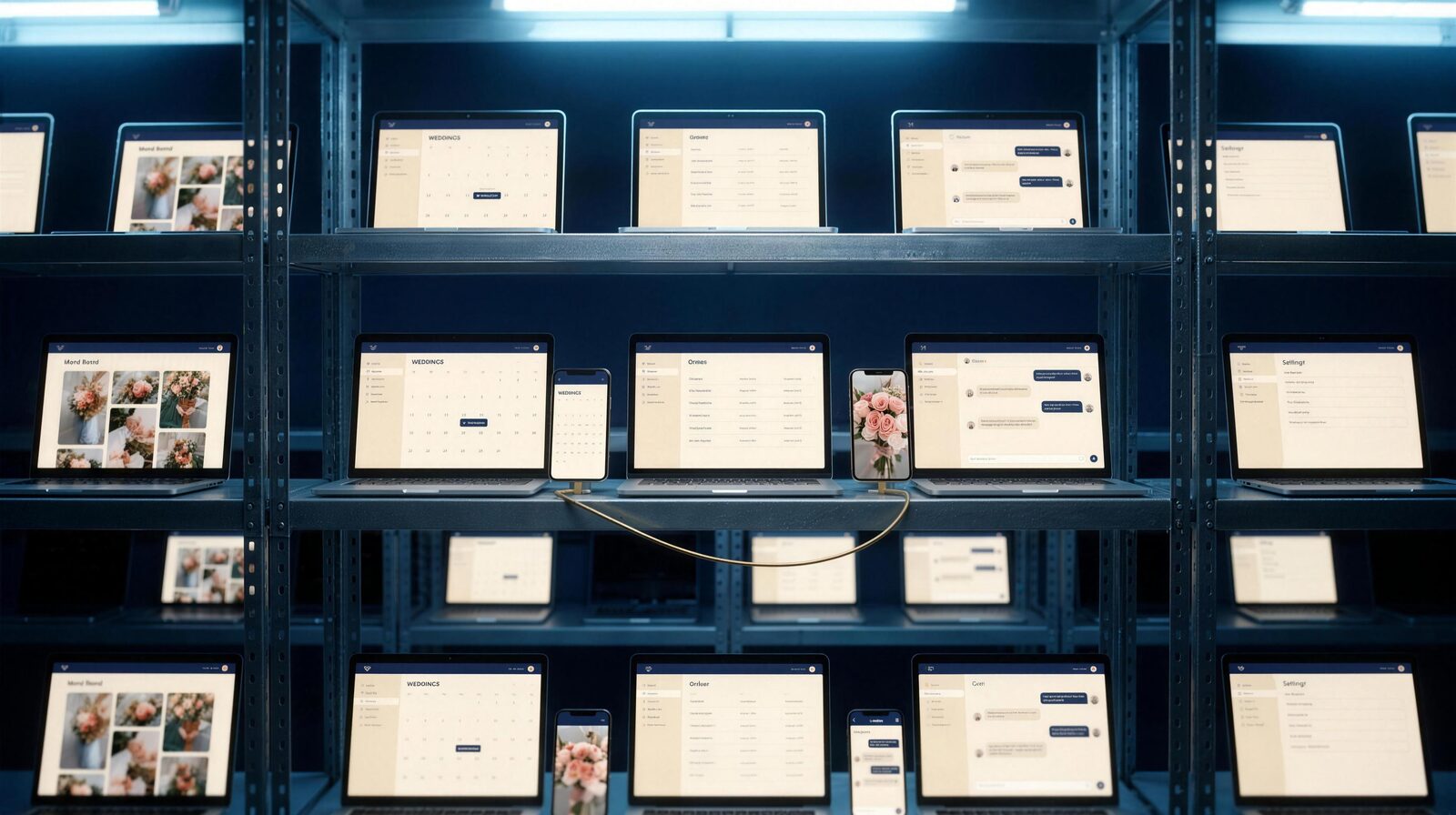
Nobody runs these tests. They run.
Every device, every release — the testing grows exactly as fast as your app does.
✓image uploads from the phone
✓appears on the mood board
✓palette extracted
then scenario 02, 03, … — on every screen you see here
The way up · Documentation
Boring. Helpful. Written anyway.
Nobody wants to write it. It's also how you'll know how your own app works — so the expressive names in the code become a manual, in your language, with your words for your users.
src/
├─ models/mood_board.cr
├─ controllers/…
└─ processes/extract_palette.cr
docs/
└─ using_mood_boards.md
⟶
⟶
Mood boards on event orders
What's required
The feature
What the wedding client does

Delivered · Back to you
The blueprint, printed.
The app she receives is the app the architect drew — the same screens, now real, on every device. Distribution handled.
A note from the agency
Dear founder-in-waiting,
The first conversation takes minutes — as long or as short as you want. A few questions. No deck required.
And whatever happens after: the code is yours. Always. Take it anywhere.
— AGENTC
Tell us your idea.
Describe what you're after in plain words. We'll point you to the right next step — or build a small working version so you can see it.